
The toolbox
QR Code Generator
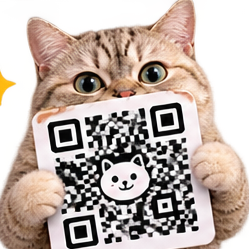
QR Code Generator makes branded QR codes: your link, soft dots, pretty colors, and a cat in the middle, ready to print.
Last updated October 27, 2026
How to use it
- Open QR Code Generator and paste your link.
- Dress it up: colors, dot style, and the cat in the middle.
- Preview as much as you like, then export the finished code.
- Turn on tracking if you want to see how many times it gets scanned.
Good to know
- Previewing is free. Exporting a code uses one action.
- Codes do not expire. A printed code keeps working as long as the link does.
- Tracking is optional and shows scan counts, so a poster or a menu can prove it is working.
Your data
The code encodes your link and nothing else. If you turn on tracking, scan counts are recorded against the code so you can see them.
Tips
- Test the printed size, not the screen size. Print one, stick it where it will live, and scan it from a customer's distance.
- Keep contrast strong between the dots and the background. Pretty colors that are too close together make a code that looks great and scans never.
Questions
Do the QR codes expire? +
No. The code points at your link for as long as the link lives.
Can I track how many times my code is scanned? +
Yes, turn tracking on when you make the code and its scan count shows in your account.